
Microsoft Volume Licensing is defined as a bulk software licensing model that lets organizations purchase multiple software licenses under a single agreement, reducing per-unit cost and centralizing management. The types of Microsoft volume licensing programs available in 2026 include the Enterprise Agreement, Microsoft Products and Services Agreement, Cloud Solution Provider program, and the Microsoft Customer Agreement. Hence, each program targets a different organization size and commitment structure. Therefore, Understanding which program fits your needs directly affects your software budget, compliance posture, and IT flexibility.
1. What are the main types of Microsoft Volume Licensing programs?
Microsoft Volume Licensing covers several distinct programs. Each one is designed for a specific business size, commitment length, and deployment model.
Enterprise Agreement (EA)

The Enterprise Agreement targets large organizations with 500 or more users or devices. It runs on a three-year commitment with volume discounts and predictable annual billing. The EA includes a true-up process, where you report actual usage once per year and pay for any additions. On the other hand, Software Assurance is bundled in, giving access to new product versions, training vouchers, and deployment support throughout the term.
Microsoft Products and Services Agreement (MPSA)
The MPSA is a transactional agreement designed for mid-to-large organizations that want flexibility without a fixed term. Therefore, purchases are made as needed rather than committing to a set number of seats upfront. Above all, the MPSA consolidates cloud services and on-premises licenses under one agreement, which simplifies procurement across multiple departments or subsidiaries.
Cloud Solution Provider (CSP) with New Commerce Experience (NCE)
The CSP program is the primary channel for small and mid-sized businesses purchasing Microsoft cloud subscriptions today. That is to say, under the New Commerce Experience, subscriptions are available on monthly or annual terms, with annual commitments offering lower per-seat pricing. Therefore, purchases flow through authorized resellers, who provide billing, support, and license management services.
Microsoft Customer Agreement (MCA)
The Microsoft Customer Agreement is a simplified, paperless agreement that covers cloud products purchased directly through Microsoft or authorized partners. As a result, it replaces older agreements for cloud-only purchases and requires no minimum seat count, making it accessible to organizations of any size.
Legacy programs: Open License and Open Value
The Open License program was retired in 2022. It previously served small businesses needing perpetual licenses with minimal commitment. Subsequently, open Value offered annual payments and Software Assurance for organizations with 5 or more PCs. Both programs have been replaced by CSP and MCA for most SMB scenarios.
Pro Tip: If your organization has fewer than 500 users and needs cloud subscriptions, CSP under the New Commerce Experience gives you the most flexibility. If you have 500 or more users and want predictable multi-year pricing, the Enterprise Agreement is the stronger fit.
2. Subscription vs. perpetual licensing in volume programs
Microsoft Volume Licensing includes both subscription and perpetual license models. Certainly, the choice between them affects deployment, compliance, and long-term cost.
Subscription licensing ties software rights to user identity through Microsoft Entra ID. Microsoft 365 E3 and E5 are the most common examples. As a result, when a subscription lapses, access ends. Perpetual licenses, by contrast, grant permanent rights to a specific software version. Therefore, windows Server and SQL Server are typically purchased as perpetual licenses under volume programs.
The operational difference is significant. Additionally, subscription models update automatically and scale with headcount changes. Hence, perpetual models require separate upgrade purchases and are device-bound rather than user-bound. In short, organizations running hybrid IT environments often carry both types simultaneously, which adds management complexity.
3. How to track and manage Microsoft Volume License usage
The Microsoft 365 Admin Center Licensing report provides real-time visibility into license usage, with data updated daily and reflecting monthly aggregates. Likewise, each user license covers installation on up to 5 devices, and reports display active user counts alongside key usage metrics over the preceding 12 months. Moreover, that data lets administrators spot underused licenses before renewal and reallocate seats rather than purchasing new ones.
For instance, automated tracking, the Microsoft Graph API supports programmatic exports of license assignment data and historical usage records. In other words, this is the right tool for organizations that need to feed license data into a central IT asset management platform or generate compliance reports on a schedule.
Key management tasks for volume license administrators include:
- Viewing contracts and keys: Volume licensing resources require a Microsoft Entra ID tenant and authorized user access. Contract information appears within 10 hours of order submission, and Software Assurance status is tracked per product license.
- Managing activation keys: Volume programs use Multiple Activation Keys (MAK), Key Management Service (KMS), or Active Directory-Based Activation (ADBA) depending on the product and deployment type.
- Migrating from VLSC: The Volume Licensing Service Center was discontinued in 2023. Legacy on-premises desktop product licenses now appear in the Microsoft 365 Admin Center only after manually syncing permissions in the Volume Licensing preferences section.
Pro Tip: Use the Microsoft 365 Admin Center as your primary dashboard for cloud licenses, and sync Volume Licensing permissions immediately after migration to avoid gaps in visibility for on-premises products.
4. What to consider when purchasing Microsoft Volume Licenses
Purchasing volume licenses requires more than picking a program. Several factors determine whether a program delivers value over its full term.
Organization size and growth plans
The EA requires a minimum of 500 users or devices and locks in a three-year term. Therefore, if your organization is growing quickly, the true-up process accommodates additions annually. If headcount is unpredictable, a CSP subscription with monthly terms avoids over-commitment.
Commitment type
Volume programs offer three commitment structures: term subscriptions (monthly or annual), multi-year agreements (typically three years under EA), and perpetual licenses with no expiration. For example, term subscriptions carry the lowest upfront cost but higher total cost over three years compared to a negotiated EA. Therefore, perpetual licenses require separate Software Assurance purchases to stay current.
Software Assurance
Software Assurance is a maintenance program bundled with EA and available as an add-on for other volume programs. Hence, it provides upgrade rights, 24×7 technical support, and access to Microsoft training resources. Most importantly, for organizations running Windows Server or SQL Server, Software Assurance is the mechanism that keeps perpetual licenses eligible for new version upgrades.
Where to buy Volume Licenses?
Authorized partners and Microsoft Entra ID
Purchases through authorized resellers require a Microsoft Entra ID tenant to link licenses to users and manage access. Therefore, organizations without an existing tenant must create one before completing a volume purchase. On the other hand, buying through a certified Microsoft partner, such as a Licensing Solution Provider, typically unlocks additional support and pricing tiers not available through direct channels.
Purchase planning checklist:
- Audit current software usage before selecting a program
- Confirm your Microsoft Entra ID tenant is active and properly configured
- Identify which products need perpetual rights versus subscription access
- Verify Software Assurance requirements for server products
- Confirm the reseller is an authorized Microsoft partner
5. Comparing Microsoft Volume Licensing programs at a glance
The right program depends on your organization’s size, cloud adoption level, and budget structure.
| Feature | Enterprise Agreement | MPSA | CSP / NCE | Microsoft Customer Agreement |
|---|---|---|---|---|
| Target size | 500+ users/devices | Mid-to-large | Any size | Any size |
| Commitment term | 3 years | None (transactional) | Monthly or annual | None (ongoing) |
| License types | Perpetual + subscription | Perpetual + subscription | Subscription only | Cloud subscription only |
| Software Assurance | Included | Optional add-on | Not applicable | Not applicable |
| Management portal | Microsoft 365 Admin Center | Microsoft 365 Admin Center | Partner portal + Admin Center | Microsoft 365 Admin Center |
| Best for | Large enterprises with stable headcount | Multi-department orgs needing flexibility | SMBs and fast-growing teams | Cloud-first organizations |
For instance, small businesses with fewer than 25 users get the most value from CSP monthly subscriptions, which carry no long-term commitment. Certainly, mid-sized organizations with 100–499 users often benefit from MPSA, which consolidates purchasing without a fixed term. Subsequently, large enterprises with stable headcount and broad Microsoft product use get the best per-seat pricing through the EA.
Therefore, hybrid IT environments, where cloud and on-premises systems run in parallel, require programs that support both license types. In other words, the EA and MPSA both accommodate mixed cloud and on-premises deployments. CSP and MCA are cloud-only and do not cover perpetual on-premises licenses.
The Microsoft 365 Enterprise Bundle is a common entry point for organizations moving from perpetual to subscription licensing under the EA or CSP frameworks.
Key Takeaways
The Enterprise Agreement delivers the best per-seat value for organizations with 500 or more users, while CSP under the New Commerce Experience is the most flexible option for smaller or fast-changing teams.
| Point | Details |
|---|---|
| Program selection by size | EA fits 500+ users; CSP fits SMBs and growing teams; MPSA fits mid-to-large flexible buyers. |
| Subscription vs. perpetual | Subscription licenses tie to user identity via Microsoft Entra ID; perpetual licenses are device-bound and require Software Assurance for upgrades. |
| VLSC migration | The VLSC was discontinued in 2023; sync Volume Licensing permissions in Microsoft 365 Admin Center to access legacy on-premises licenses. |
| License tracking tools | The Microsoft 365 Admin Center Licensing report and Microsoft Graph API provide daily usage data and automated export capabilities. |
| Purchase planning | Audit usage, confirm your Microsoft Entra ID tenant, and verify Software Assurance needs before committing to any volume program. |
What working with Microsoft licensing in hybrid environments has taught us
Hybrid environments expose a gap that most licensing guides do not address directly. Hence, organizations often discover they have two separate visibility problems: cloud licenses tracked in one portal and on-premises licenses tracked nowhere at all. However, the discontinuation of VLSC in 2023 made this worse for enterprises that had not yet migrated. For instance, many IT teams found their legacy desktop product licenses simply invisible until they manually synced permissions in the Microsoft 365 Admin Center. Additionally, that is a compliance risk that shows up in audits, not in day-to-day operations.
In other words, the shift toward subscription licensing tied to Microsoft Entra ID identities is the right direction. For example, it makes license assignment auditable and scales with headcount changes without manual intervention. Consequently, the problem is that most organizations carry a mix of subscription and perpetual licenses for years during transition. Managing that mix requires consolidated visibility tools and a clear policy on which products stay perpetual and which move to subscription.
In conclusion, the practical lesson from working with organizations across sectors is that program selection is less important than license governance. An EA with no tracking discipline produces the same compliance exposure as a CSP subscription with no assigned owner. Therefore, the program sets the terms. Hence, the governance determines whether those terms are met.
Technology Solutions Worldwide has observed that organizations which invest in unified dashboards and automated reconciliation across cloud and on-premises assets consistently reduce both audit risk and unnecessary license spend. In short, the tools exist. Moreover, the gap is almost always a process, and not technology.
— Technology Solutions Worldwide
Microsoft licensing support from Technology Solutions Worldwide
Technology Solutions Worldwide is a certified Microsoft Solutions Partner with over 20 years of experience in volume licensing procurement, migration, and management.
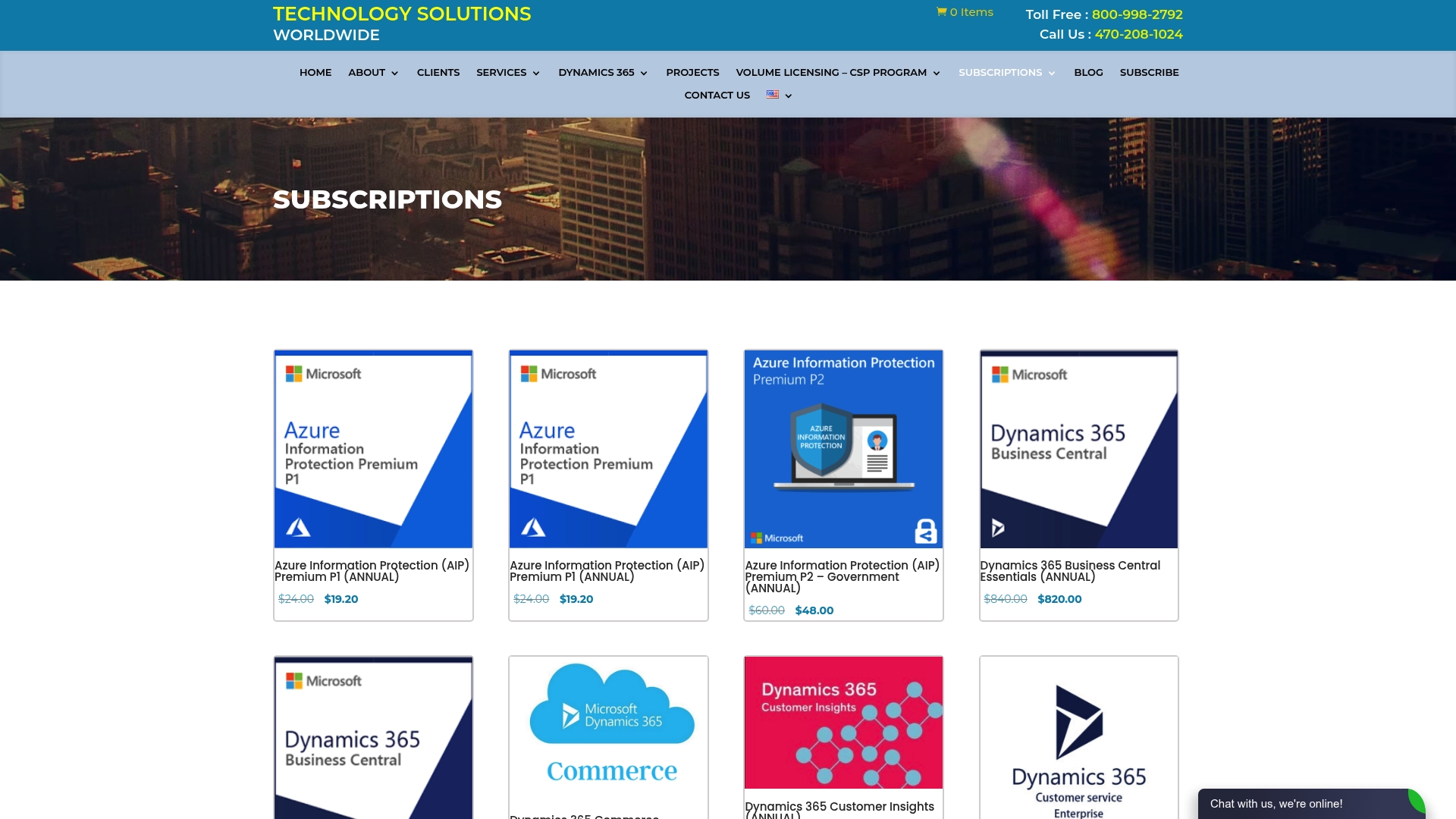
Organizations working through program selection, VLSC migration, or Software Assurance renewals can access Microsoft licensing support services directly through Technology Solutions Worldwide. We offer 20–30% discounts off standard Microsoft subscription pricing and covers the full range of volume programs, from CSP for small businesses to Enterprise Agreements for large organizations. Additionally, clients including government agencies and Fortune 500 companies rely on Technology Solutions Worldwide for license procurement and migration across cloud and on-premises environments.
FAQ
What is Microsoft Volume Licensing?
Microsoft Volume Licensing is a bulk software purchasing model that lets organizations acquire multiple licenses under a single agreement, reducing per-unit cost and centralizing management across products.
Which Microsoft volume licensing program is best for small businesses?
The Cloud Solution Provider program under the New Commerce Experience is the standard option for small businesses, offering monthly or annual subscription terms with no minimum seat requirement.
How do I track Microsoft Volume License usage?
The Microsoft 365 Admin Center Licensing report provides daily-updated usage data covering the preceding 12 months; the Microsoft Graph API supports automated exports for more detailed tracking.
What happened to the Volume Licensing Service Center?
Microsoft discontinued the VLSC in 2023 and migrated license management to the Microsoft 365 Admin Center. Legacy on-premises licenses become visible only after manually syncing permissions in the Volume Licensing preferences section.
What does Software Assurance include in a volume license agreement?
Software Assurance provides upgrade rights to new product versions, 24×7 technical support, and access to Microsoft training resources. It is bundled with the Enterprise Agreement and available as an optional add-on under other volume programs.
Recommended
- Need Of Volume Licensing
- Microsoft Licensing Help | Techsolworld
- Microsoft Licensing Solutions Partner (LSP)
- What Does Microsoft Business Standard Include in 2026
IF YOU WISH TO START PURCHASING VOLUME LICENSES WITH TECHNOLOGY SOLUTIONS WORLDWIDE CLICK HERE.
For a more personalized quote, you can email us at [email protected] or call (800)998-2792.