
A small business software license checklist is the essential tool for ensuring legal compliance, cost control, and operational readiness when acquiring business software. Software license compliance for small businesses covers three distinct pillars: vendor contract obligations, regulatory and legal mandates, and open-source license obligations. Ignoring any one of these pillars exposes your business to audits, fines, and service interruptions. This checklist covers every critical step, from identifying your software requirements to managing agreements and scaling your license portfolio as your business grows.
1. What software types and licenses does a small business need?
SMBs with 5–50 employees typically need licenses across four core categories: operating systems, productivity suites, server software, and endpoint security. Getting this list wrong at the start creates compliance gaps that are expensive to fix later.
The core license categories for most small businesses include:
- Operating system licenses. Windows Pro licenses are required for each business workstation. Consumer editions like Windows Home do not meet business use terms for domain-joined or managed devices.
- Productivity suites. Microsoft 365 subscriptions or perpetual Microsoft Office licenses cover word processing, spreadsheets, email, and collaboration. The right choice depends on your team size and workflow.
- Server and connection licenses. If you run an on-premises server, you need Windows Server licenses plus Client Access Licenses (CALs) for each user or device connecting to that server.
- Endpoint security software. Every business device needs licensed antivirus and endpoint protection. Many small businesses use Microsoft Defender for Business, which is included in certain Microsoft 365 plans.
- Specialized business applications. Accounting software, CRM platforms, and project management tools each carry their own license terms. Track these separately.
Pro Tip: Audit every device in your office before purchasing licenses. Count workstations, laptops, and shared devices separately, since most licenses are per device or per user, not per business.
2. How to evaluate software licensing models and costs

Software licensing decisions are strategic business choices that directly affect budget predictability and your ability to adapt as the business grows. Three primary models apply to small businesses.
| Model | Cost structure | Best for |
|---|---|---|
| Perpetual license | One-time purchase, no recurring fee | Stable teams, predictable budgets |
| Subscription license | Monthly or annual recurring fee | Teams needing updates and cloud access |
| Usage-based license | Pay per transaction or consumption | Variable workloads, seasonal businesses |
Perpetual licenses cost substantially less than subscriptions over a 3–5 year period for SMBs that do not require collaboration features. That cost advantage disappears quickly if your team needs real-time co-authoring, cloud storage, or mobile access, since those features are subscription-only.
Hidden fees are the most common budget surprise in software licensing. Beyond the license cost, implementation fees, training costs, tiered support plans, and API usage charges can inflate your actual spend significantly. Cloud software also grants usage rights, not ownership. If the vendor changes terms or discontinues a product, your access ends.
Pro Tip: Build a total cost of ownership spreadsheet before committing to any license. Include the base price, support tier, expected user growth over three years, and any integration or API fees.
3. What are the critical compliance and audit readiness steps?
Software compliance fails most often not because businesses lack security tools, but because they lack documented proof that controls are configured and assigned to responsible owners. Purchasing software is not the same as being compliant.
Follow these steps to build audit readiness into your license management process:
- Define your three compliance pillars. Separate your obligations into vendor contracts, legal and regulatory requirements (such as GDPR or HIPAA), and open-source license terms. Each pillar requires different documentation.
- Build and maintain an Effective License Position (ELP). An ELP is a reconciliation of the licenses you own versus the licenses you have deployed. Updating your ELP quarterly per vendor significantly reduces the cost of audit settlements.
- Centralize all license documentation. Store license keys, purchase receipts, vendor contracts, and renewal dates in a single location. A shared drive folder with a consistent naming convention works for most small businesses.
- Assign a license owner for each software product. Compliance fails when no one is accountable. Designate one person to track each product’s license count, renewal date, and usage status.
- Schedule internal audits twice per year. Compare your ELP against actual installed software on every device. Free tools like Microsoft’s built-in inventory features or your endpoint management platform can generate this data automatically.
- Document security software configuration. Confirm that antivirus, firewall, and access control software is actively configured and enforced, not just installed. Auditors require proof of active enforcement, not just proof of purchase.
You can also use an IT compliance checklist to cross-reference your internal controls against recognized IT governance standards.
4. Which checklist items protect your business in license agreements?
A software license agreement is a legal contract. Small businesses often sign these without reading the key clauses, which creates operational and financial risk. Every agreement you sign should be reviewed against this checklist.
Key clauses to verify in every software license agreement:
- License scope and permitted use. Confirm exactly how many users or devices the license covers and whether it permits commercial use, redistribution, or modification.
- Payment terms and renewal policies. Identify whether the license auto-renews, what the cancellation window is, and whether prices are locked or subject to annual increases.
- Support and maintenance provisions. Clarify what support tier is included, what the response time guarantee is, and whether software updates are included or billed separately.
- Confidentiality and IP ownership. Confirm that your business data remains your property and that the vendor cannot use your data for their own purposes without consent.
- Indemnification clauses. Check whether the vendor indemnifies you against third-party IP claims or whether that liability falls on your business.
- Termination rights. Understand what happens to your data and access if you cancel or if the vendor discontinues the product. Cloud software users are particularly exposed here, since they acquire usage rights, not ownership.
- Dispute resolution. Confirm the governing law and jurisdiction. For US small businesses, a vendor based in another country may create enforcement challenges.
5. How can small businesses sustain and scale license management?
License management is not a one-time task. It requires a repeatable process that grows with your business. The most common failure point is buying licenses at launch and never revisiting them as the team expands or contracts.
Practical steps for ongoing license management:
- Set up a centralized documentation repository. Use a shared drive, intranet page, or dedicated software asset management (SAM) tool to store all license records. Every team member responsible for IT should have access.
- Reconcile license counts quarterly. Compare entitled licenses against deployed licenses every quarter. Remove licenses for departed employees immediately to avoid paying for unused seats.
- Use SAM tools for growing teams. Software asset management platforms automate license tracking, flag unused licenses, and generate audit-ready reports. For businesses scaling past 20 employees, manual tracking in spreadsheets becomes unreliable.
- Review licenses after major business changes. A new office location, a merger, a shift to remote work, or a new product line each changes your software requirements. Trigger a full license review after any of these events.
- Plan for volume licensing as you grow. Once your team reaches a threshold where you are buying the same software for multiple users, volume licensing agreements typically reduce per-unit cost and simplify compliance tracking.
Pro Tip: Set calendar reminders 90 days before each license renewal date. That window gives you time to renegotiate terms, switch vendors, or adjust seat counts without paying for licenses you no longer need.
Key Takeaways
A complete business software compliance checklist covers license identification, model evaluation, agreement review, and ongoing reconciliation to prevent audit risk and control costs.
| Point | Details |
|---|---|
| Three compliance pillars | Track vendor contracts, regulatory mandates, and open-source obligations separately. |
| ELP reconciliation | Update your entitled vs. deployed license count quarterly to reduce audit settlement costs. |
| Perpetual vs. subscription | Perpetual licenses cost less over 3–5 years for stable teams that do not need cloud collaboration. |
| Agreement clause review | Verify scope, renewal terms, IP ownership, and termination rights before signing any license. |
| Ongoing management | Reconcile license counts quarterly and trigger a full review after any major business change. |
What I’ve learned about software licensing after 20 years in the field
The most expensive licensing mistakes are not the ones businesses make at purchase. They are the ones that go unnoticed for two or three years. A small business buys five Microsoft 365 seats, hires ten more people, and assumes the original licenses still cover everyone. They do not. By the time a vendor audit surfaces the gap, the back-payment demand includes penalties.
The second pattern Technology Solutions Worldwide sees repeatedly is businesses treating cloud subscriptions as permanent ownership. A subscription gives you access rights. The vendor can change terms, raise prices, or discontinue a product. Businesses that have no exit plan or data portability clause in their agreement are the most exposed.
The fix is not complicated. A simple license register, reviewed twice a year, catches most problems before they become costly. Assign one person to own it. Set renewal reminders. Read the termination clause before you sign. These are not advanced practices. They are basic hygiene that most small businesses skip because no one told them it mattered.
The businesses that handle licensing well treat it the same way they treat accounting. It is not exciting, but the cost of ignoring it is real and predictable. Build the process once, maintain it consistently, and it will not require significant time or resources to sustain.
— Technology Solutions Worldwide
Microsoft licensing support from Technology Solutions Worldwide
Technology Solutions Worldwide specializes in Microsoft licensing support for businesses of all sizes, with over 20 years of experience and a client list that includes government agencies, Coca-Cola, and T-Mobile.
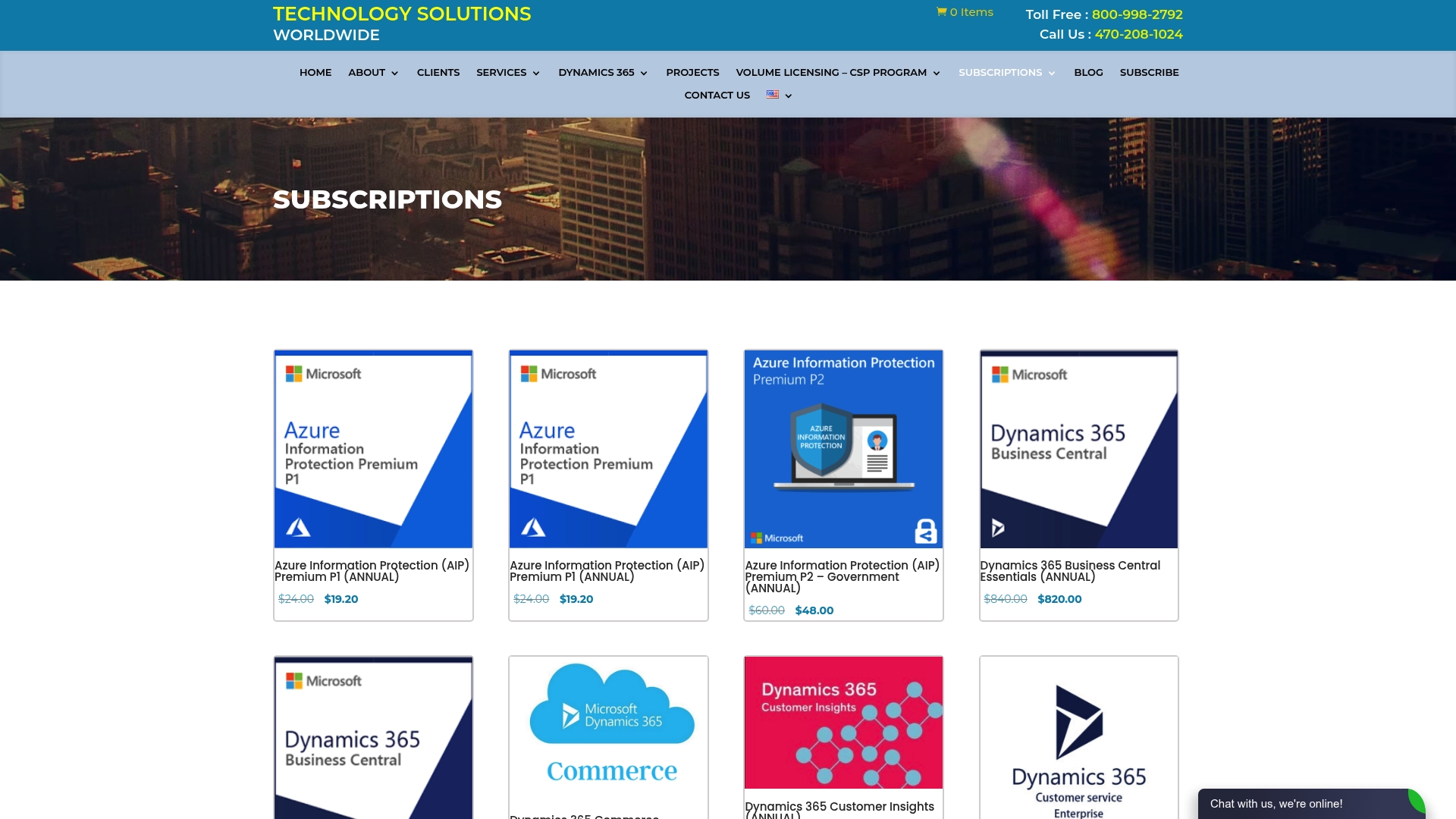
The firm offers licensing consultation, compliance audits, and migration services, with discounts of 20–30% off standard Microsoft subscription pricing. Whether you need to clarify your Microsoft Office license obligations, right-size your seat count, or prepare for a vendor audit, Technology Solutions Worldwide provides direct, documented guidance. Contact the team to get your license position reviewed and corrected before your next renewal cycle.
FAQ
What is a software license checklist for small businesses?
A small business software license checklist is a structured list of steps to identify required licenses, evaluate licensing models, review agreement terms, and maintain compliance documentation. It covers operating systems, productivity suites, server software, and endpoint security.
What is the difference between a perpetual and a subscription license?
A perpetual license is a one-time purchase that grants permanent use of a specific software version. A subscription license charges a recurring fee and typically includes updates, cloud access, and support.
How often should a small business audit its software licenses?
Internal software audits should be conducted at least twice per year. Updating your ELP quarterly per vendor is the most effective way to reduce audit settlement costs.
Does cloud software give my business ownership of the software?
No. Cloud software grants usage rights, not ownership. If the vendor changes terms or discontinues the product, your access ends unless your agreement includes data portability and termination protections.
What is an Effective License Position (ELP)?
An ELP is a reconciliation of the software licenses your business is entitled to use versus the licenses actually deployed across your devices. Maintaining a current ELP is the foundation of audit readiness for any small business.
Recommended
- Microsoft Office License: A Must-Have for Every Business
- Which Software Works Best For Sales Enterprise Implementation
- Rebutting Myths About Microsoft Office Lifetime Licenses – Technology Solutions
- Do you need a license to use Microsoft Office on Windows? – Technology Solutions
VIEW LIST OF SMALL BUSINESS SOFTWARE HERE.