
Microsoft partner discounts are defined as pre-negotiated price reductions, Azure credits, and technical support packages that Microsoft provides to members of its AI Cloud Partner Program. Hence, the role of Microsoft partner discounts goes well beyond simple cost savings. Hence, these benefits give businesses a structured way to reduce software licensing expenses, run proof-of-concept projects, and accelerate technology adoption. For small to medium enterprises and IT managers, understanding how these discounts work, how they are structured, and how to use them fully is the difference between paying retail and building a real cost advantage. Technology Solutions Worldwide, a certified Microsoft Solutions Partner with over 20 years of experience, works with organizations of all sizes to put these benefits to work.
How are Microsoft partner discounts and benefits structured?
Microsoft partner benefits packages are tiered and aligned with partner growth stages. In other words, the three main packages are Partner Launch Benefits, Success Core Benefits, and Success Expanded Benefits. Each tier delivers increasing levels of internal-use software licenses, Azure credits, and technical support access. Partners move through tiers as they build competencies and meet program requirements.

Hence, access to these benefits runs through the Microsoft Partner Center dashboard. In other words, Partners log in, view their active benefits, and assign licenses or credits directly from that interface. The AI Cloud Partner Program membership determines eligibility for specific discount categories, including Copilot-related resources, security services, and pooled Azure credits introduced in the February 2026 update.
The main benefit types available to partners include:
- Internal-use software licenses: Full versions of Microsoft 365, Windows Server, and other products for internal business use
- Azure credits: Monthly credits applied at the organizational level to cover development, testing, and production workloads
- Technical consultations: Direct access to Microsoft engineers and solution architects
- Enablement resources: Training, certification vouchers, and go-to-market support
Promotions and discounts are applied to partner prices, not retail prices, and eligibility is verified through Partner Center APIs. However, that distinction matters because the baseline partner price is already below retail before any promotion applies.
Pro Tip: Assign a dedicated team member to own the Partner Center dashboard. Unmonitored benefits expire unused, and that is direct revenue left on the table.
What strategic roles do Microsoft partner discounts play beyond cost reduction?
The most effective partners treat discounts as growth infrastructure, not just a line-item reduction. Industry analysts advise tracking utilization and aligning incentives with product-market fit to improve activation and customer success. Cost savings are the entry point. Certainly, the real value is what you build with the resources those savings free up.
“Discounts alone without robust onboarding usually result in higher churn. Successful partnerships prioritize activation by leveraging technical consultations and enablement credits to reduce churn and improve solution quality.”
This insight reshapes how IT managers should think about partner pricing. A 20–30% reduction on a Microsoft 365 subscription matters. Hence, pairing that reduction with enablement credits and technical consultations produces a compounding effect: lower cost, faster deployment, and better user adoption.
The strategic roles partner discounts play include:
- Pilot program funding: Azure credits cover the infrastructure cost of proof-of-concept deployments without touching the operating budget
- Early adoption acceleration: Internal-use licenses let your team test and validate solutions before rolling them out to clients
- Training and certification: Enablement credits reduce the cost of building in-house Microsoft expertise
- Customer retention: Partners who use technical support benefits deliver higher-quality implementations, which reduces client churn
Omdia research shows that 90% of partners report positive ROI using partner benefit packages, often translating to over 30% business growth. That figure reflects partners who actively use their benefits, not those who let them sit idle.
Pro Tip: Map each benefit type to a specific business goal before the benefit period starts. Azure credits go to development environments. Consultation hours go to your most complex client deployments. Intentional allocation produces measurable results.
How to effectively utilize Microsoft partner discounts in your business
Maximizing the value of Microsoft partner benefits requires a structured approach. The following steps give IT managers and business owners a repeatable process.
- Audit your current benefit inventory. Log into Partner Center and list every active benefit, its expiration date, and its current utilization rate. For instance, most organizations discover unused credits and licenses in this step.
- Assign ownership. Partners maximize ROI when they assign a named owner to benefits utilization and measure impact consistently. Treat this role like a budget owner, not an admin task.
- Build demo and proof-of-concept environments. Use internal-use licenses and Azure credits to build client demonstration environments. Above all, this eliminates the cost of running separate demo infrastructure.
- Align Azure credit allocation with team needs. The february 2026 update introduced pooled Azure credit models that allow credits to be distributed across teams rather than locked to a single account. Use this to match credit allocation with actual workload demand.
- Track utilization monthly. Set a calendar reminder to review Partner Center data every 30 days. In addition, unused credits and expiring licenses are the most common source of wasted value.
The table below shows how each benefit type maps to a specific business use case and the expected outcome.
| Benefit type | Primary use case | Expected outcome |
|---|---|---|
| Internal-use licenses | Staff training and internal tooling | Reduced software spend, faster team skill development |
| Azure credits | Development, testing, and demo environments | Lower infrastructure cost, faster client delivery |
| Technical consultations | Complex deployments and architecture reviews | Higher solution quality, reduced implementation errors |
| Enablement credits | Certification and training programs | Stronger in-house expertise, improved client outcomes |
| Go-to-market support | Co-selling and marketing campaigns | Expanded pipeline, increased deal velocity |
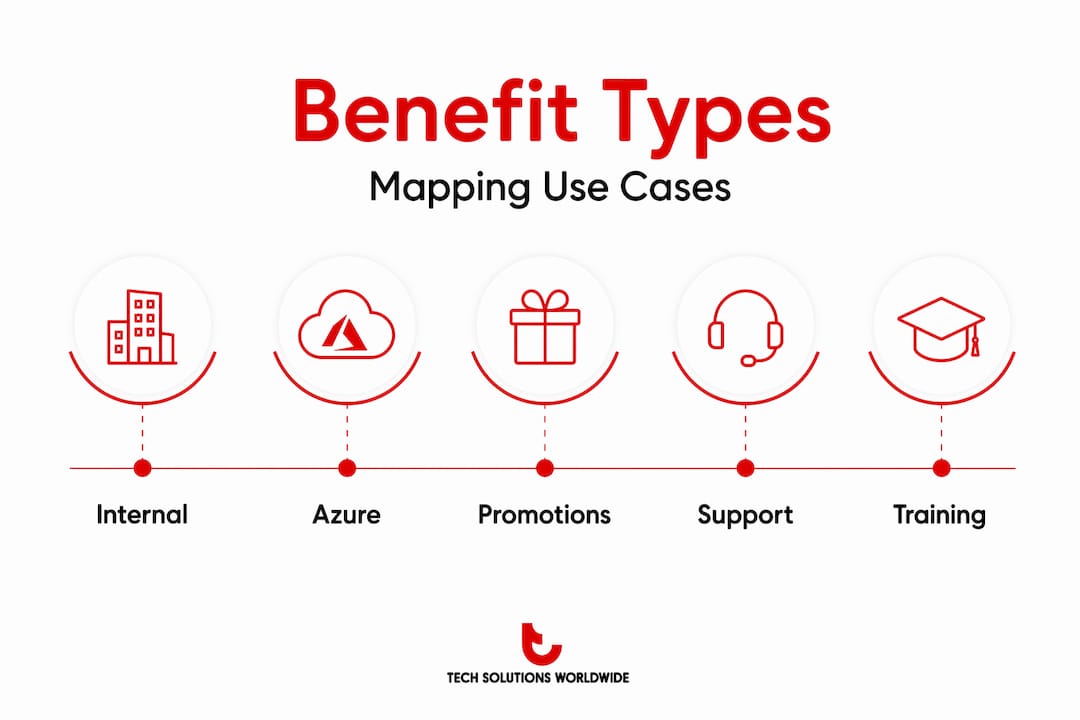
Azure credits and internal-use licenses are consistently rated as the most valued benefits by partners. They directly reduce the cost of building, testing, and delivering solutions.
What are the common challenges in managing Microsoft partner discounts?
Managing partner discounts is not passive. Certainly, several operational challenges reduce the value partners actually capture from their benefit packages.
The most frequent issues include:
- Expiring promotions: Promotions have different discount amounts and duration, and partners must verify eligibility in Partner Center before each purchase cycle. Missing a promotion window means paying a higher price for that period.
- Geographic and SKU variations: Discount amounts vary by region and by specific product SKU. Hence, a promotion available in the United States may not apply in Canada or the European Union at the same rate.
- Underutilization of credits: Azure credits delivered at the account level often go unused because no one is tracking them. Therefore, the February 2026 pooled credit model reduces this risk, but only if teams actively allocate credits to workloads.
- Program update lag: Microsoft updates the AI Cloud Partner Program regularly. Additionally, the February 2026 update introduced expanded resources for Copilot, security services, and the new pooled Azure credit delivery model. Certainly, Partners who do not monitor Partner Center announcements miss these changes.
Effective management of partner discounts requires proactive monitoring of promotional periods, renewal timing, and market-specific price variations. For instance, the cost of inattention is real: missed promotions and expired credits represent direct financial loss.
Most importantly, the 2026 program changes are significant for IT managers. Therefore, Copilot resources and security service credits are now part of the expanded benefit tier. In other words, organizations that have not reviewed their benefit package since 2025 are likely leaving new resources unclaimed.
Key Takeaways
Microsoft partner discounts deliver the most value when partners treat them as structured business assets, assign ownership, and align each benefit type with a specific operational goal.
| Point | Details |
|---|---|
| Benefits are tiered | Partner Launch, Success Core, and Success Expanded packages offer increasing resources at each level. |
| Partner Center is the access point | All discounts, credits, and promotions are managed and verified through the Microsoft Partner Center dashboard. |
| Discounts drive growth, not just savings | 90% of partners report positive ROI, with over 30% business growth when benefits are fully utilized. |
| Azure credits need active allocation | The 2026 pooled credit model improves flexibility, but only produces value when credits are assigned to real workloads. |
| Monitoring prevents loss | Promotions expire, SKU pricing varies by region, and program updates change eligibility. Monthly reviews are required. |
Technology Solutions Worldwide’s perspective on partner discount strategy
After working with organizations ranging from government agencies to large enterprises for over 20 years, the pattern is consistent. Additionally, the partners who extract the most value from Microsoft’s program are not the ones with the largest budgets. On the other hand, they are the ones who treat their benefit package like a managed asset.
The most common mistake is treating partner discounts as a procurement benefit rather than a business development tool. Most importantly, azure credits fund pilot programs that become full deployments. Internal-use licenses build internal expertise that reduces delivery cost. To clarify, technical consultations prevent expensive architecture mistakes. Each benefit has a downstream business effect that multiplies the face value of the discount.
The 2026 updates to the AI Cloud Partner Program, particularly the Copilot resources and pooled Azure credits, represent a meaningful shift. Hence, organizations that align these new benefits with their AI adoption plans now have a funded path to test and deploy Copilot-based solutions without separate budget approval. Certainly, that is a real competitive advantage for IT managers who move quickly.
The advice is direct: review your Partner Center dashboard this week, assign an owner to each benefit category, and build a 90-day utilization plan. Moreover, the financial value is already allocated. Therefore, the only variable is whether your organization captures it.
— Technology Solutions Worldwide
Microsoft licensing support from Technology Solutions Worldwide
Technology Solutions Worldwide provides Microsoft licensing help for businesses that need to reduce software costs and get full value from their Microsoft partner benefits. The firm specializes in licensing structure, migration planning, and benefit utilization for organizations of all sizes.
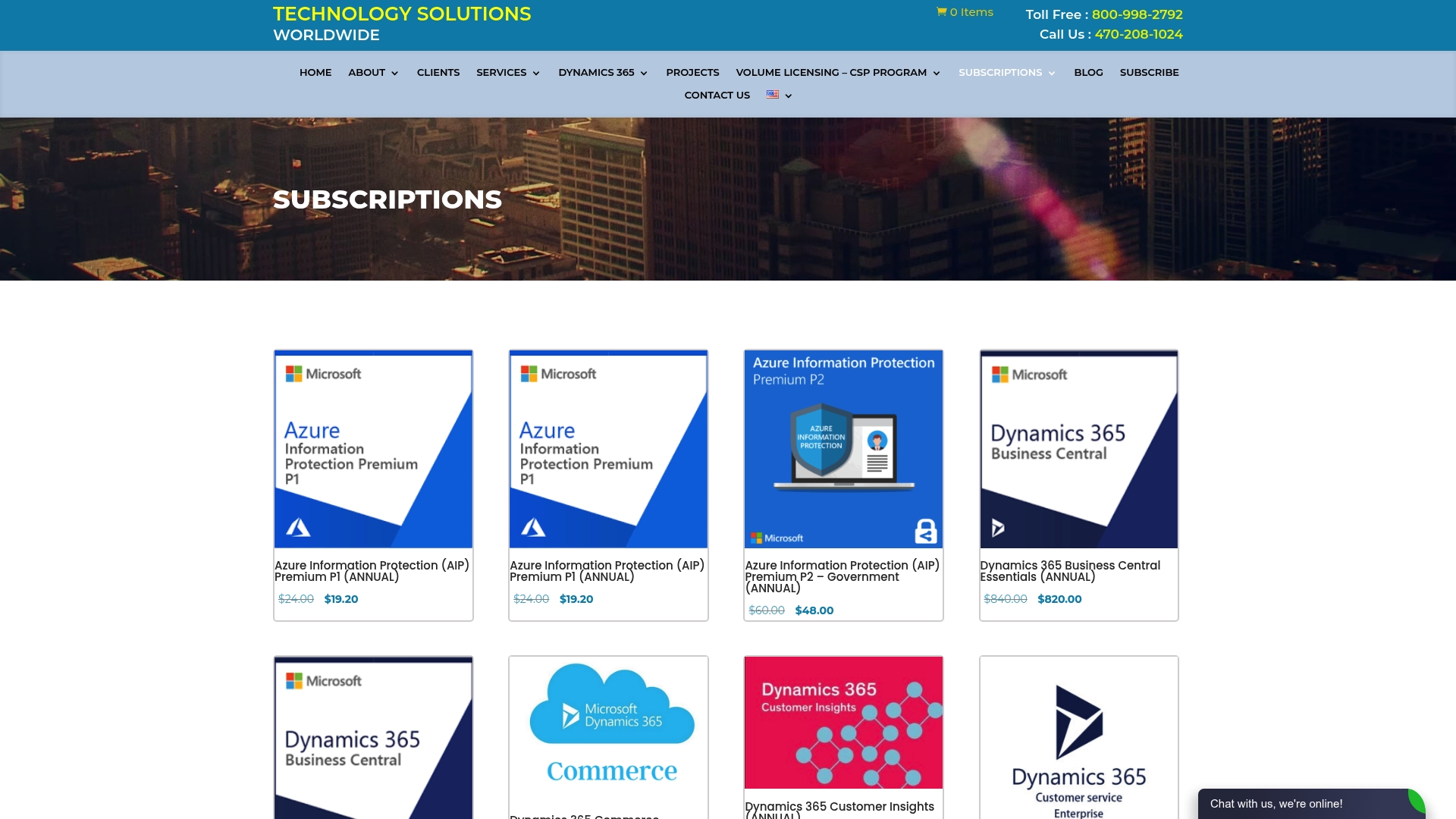
Above all, clients receive direct guidance on volume licensing, Azure credit allocation, and partner program eligibility. Moreover, Technology Solutions Worldwide delivers discounts of 20–30% off Microsoft subscriptions and has served clients including government agencies, Coca-Cola, and T-Mobile. To sum up, for organizations that need structured support on volume licensing strategy or full migration services, the team provides clear pricing and defined service scopes without unnecessary complexity.
FAQ
What are Microsoft partner discounts?
Microsoft partner discounts are pre-negotiated price reductions, Azure credits, and technical support packages provided to members of the AI Cloud Partner Program. Likewise, they apply to partner prices, which are already below retail, before any additional promotion is applied.
How do partners access their Microsoft discounts?
Partners access all discounts, credits, and promotions through the Microsoft Partner Center dashboard. After that, eligibility for specific promotions is verified through Partner Center APIs at the time of purchase.
What is the ROI of Microsoft partner benefit packages?
Omdia research shows that 90% of partners report positive ROI from partner benefit packages, with many reporting over 30% business growth when benefits are fully utilized.
What changed in the Microsoft partner program in 2026?
The February 2026 update introduced expanded Copilot resources, additional security service credits, and a pooled Azure credit delivery model that allows organizations to distribute credits across teams rather than locking them to a single account.
How does a business maximize its Microsoft partner benefits?
Businesses maximize benefits by assigning a named owner to the Partner Center dashboard, mapping each benefit type to a specific business goal, and reviewing utilization monthly to prevent credits and licenses from expiring unused.