
Enterprise license management best practices are the continuous workflows and policies that ensure organizations control software costs, maintain compliance, and eliminate waste across complex Microsoft environments. In addition, Software Asset Management (SAM) is the recognized industry term for this discipline, and it covers everything from procurement through decommission. Organizations waste approximately 30% of software budgets on unused licenses. Hence, that figure represents a recoverable cost, not an unavoidable overhead. The strategies below give IT managers a direct path to reclaim that spending.
1. Enterprise license management best practices start with a live inventory
A live license register is the foundation of every effective SAM program. Therefore, without one, audit response times stretch from days into months, and remediation costs climb accordingly. A continuously updated register reduces software audit response time from months to days. Likewise, that speed directly lowers the cost of every vendor interaction.
Building a live inventory requires connecting three data sources into a single dashboard:
- Procurement records: purchase orders, contract dates, and entitlement counts
- Deployment data: active installations pulled from endpoint discovery tools
- Entitlement data: license keys, agreement numbers, and tier assignments
When these three sources reconcile automatically, discrepancies surface before auditors find them. Consequently, for Microsoft environments specifically, understanding the full scope of your enterprise license agreement terms is a prerequisite for accurate inventory mapping.
Pro Tip: Run a full reconciliation between your discovery tool output and your procurement records every 30 days. Monthly cycles catch assignment drift before it compounds into a compliance gap.

2. Why automated reconciliation recovers far more than manual reviews
Manual annual reviews miss most of the waste. Additionally, monthly automated reconciliations recover 2–3 times more unused licenses than annual manual reviews. Therefore, Visibility within 30 days can surface millions of dollars in dormant subscriptions.
The mechanics of automated reconciliation follow a clear sequence:
- Discovery tools scan endpoints and report active installations daily.
- The SAM platform compares installation counts against entitlement records.
- Discrepancies trigger alerts for review by the license owner.
- Reclamation workflows fire automatically for seats that exceed inactivity thresholds.
- Reconciled data feeds into the live register for the next cycle.
Automated workflows also close the offboarding gap. Therefore, when an employee leaves, their Microsoft 365 seat often stays active for weeks without a triggered reclamation. For instance, connecting your identity provider to your SAM platform ensures that deprovisioning an account also flags the license for reassignment or return.
Hence, about 30% of deployed licenses are unused or underused at any given time. Automated reconciliation converts that dormant cost into recoverable budget.
3. How to reclaim and right-size licenses to cut real costs
Reclamation and right-sizing are two distinct actions that work together to reduce software licensing expenses. Reclamation recovers seats that no one is using. Right-sizing moves active users to the correct subscription tier based on which features they actually use.
Effective reclamation requires defined inactivity thresholds. A common standard is 30 days of no login activity as the trigger for a reclamation notice. Automated license harvesting reclaims seats in near real time by monitoring idle sessions, typically triggering after 15–30 minutes of inactivity for concurrent tools. That speed far outperforms any manual process.
Right-sizing follows a different logic. If a user holds a Microsoft 365 E5 license but only uses Teams, Exchange, and SharePoint, they belong on an E3 plan. Feature-level usage data makes this visible. The cost difference between E3 and E5 is material at scale.
- Set inactivity thresholds at 30 days for named-user licenses
- Review feature utilization quarterly to identify tier mismatches
- Redeploy reclaimed seats to new hires before purchasing additional licenses
- Return excess seats during contract renewal windows to reduce committed spend
Pro Tip: Map your user population into three groups: power users who need premium tiers, standard users who need core features, and light users who may qualify for frontline or kiosk plans. Pricing differences across these tiers are significant across hundreds of seats.
Concurrent licensing models can reduce license counts by 30–60% for intermittent tools. For software used by shift workers or project teams, concurrent models often cost less than named-user assignments.
4. Building audit-ready documentation to reduce compliance risk
Audit readiness is not a reactive exercise. Vendors now use AI-driven monitoring to flag entitlement anomalies before formal audits begin. Organizations that maintain continuous documentation enter those conversations with evidence, not exposure.
An audit-ready evidence pack contains:
- Purchase orders and proof-of-license certificates for every active agreement
- Deployment reports from discovery tools, timestamped and version-controlled
- Usage reports showing active versus inactive assignments
- Entitlement reconciliation summaries from the past 12 months
- Contract terms, renewal dates, and any amendment records
“Proactive audit-readiness improves negotiation leverage and reduces remediation risks. Organizations that treat compliance as a continuous discipline, rather than an audit response, consistently achieve better outcomes in vendor negotiations.”
Vendor-specific license metrics such as per device, per user, and per core must be applied accurately. Misapplying a metric creates a compliance gap even when the organization owns enough licenses in total. Microsoft licensing in particular uses multiple metric types across its product catalog, and mixing them is a common source of audit exposure.
Separating SAM responsibilities among IT, Finance, and Procurement improves governance and reduces over-provisioning. In addition, assigning a named license owner to each agreement eliminates indefinite auto-renewals and creates clear accountability.
5. Technology integrations that improve license visibility and governance
The right technology stack turns license management from a manual reporting task into an automated governance function. To clarify, three integration points deliver the most value.
Identity provider integration connects your SAM platform to Azure Active Directory or a similar directory service. As a result, every user provisioning and deprovisioning event automatically updates license assignments. Moreover, this eliminates the orphaned-account problem that creates both security risk and wasted spend.
ITSM integration links license requests to your service desk workflow. When a user requests a new software title, the ITSM tool checks available reclaimed seats before triggering a purchase. Further, this single integration can eliminate a significant share of unnecessary license purchases.
Feature-level usage monitoring goes beyond simple login tracking. That is to say, it records which modules and features each user accesses. Hence, that data drives right-sizing decisions and identifies candidates for tier downgrades without affecting productivity.
| Integration type | Primary benefit | Governance impact |
|---|---|---|
| Identity provider | Automated provisioning and deprovisioning | Eliminates orphaned licenses |
| ITSM platform | Request-driven reclamation check | Reduces unnecessary purchases |
| Feature monitoring | Usage-level visibility | Enables accurate right-sizing |
| Volume license portal | Entitlement data sync | Supports audit documentation |
Hybrid licensing strategies that blend perpetual, subscription, SaaS, and cloud licenses help balance cost and flexibility. Governing SaaS separately from on-premises licenses can reduce waste by up to 25%. Certainly, for Microsoft environments, testing deployment models such as Click-to-Run versus MSI-based volume licensing is critical to prevent operational issues like application freezes under certain network conditions.
For organizations managing Microsoft 365 Enterprise deployments, integrating the Microsoft 365 admin center data into your SAM dashboard gives you entitlement and usage data from a single authoritative source.
Key takeaways
Effective enterprise license management requires continuous reconciliation, automated reclamation, and audit-ready documentation working together as a single governance cycle.
| Point | Details |
|---|---|
| Build a live inventory | Connect procurement, deployment, and entitlement data into one dashboard updated monthly. |
| Automate reconciliation | Monthly automated cycles recover 2–3 times more licenses than annual manual reviews. |
| Reclaim and right-size | Define inactivity thresholds and match users to the correct subscription tier by feature usage. |
| Maintain audit documentation | Keep continuously updated evidence packs to reduce remediation cost and improve negotiation leverage. |
| Integrate your tech stack | Connect identity providers and ITSM tools to automate license assignment and reclamation. |
What 20 years of Microsoft licensing work has taught us
License optimization is not a project with a finish line. To clarify, it is a continuous cycle involving baseline establishment, ongoing reconciliation, reclamation, right-sizing, and documentation. Organizations that treat it as a one-time cleanup consistently find themselves back at square one within 18 months.
In addition, the most common failure Technology Solutions Worldwide observes is the absence of cross-functional ownership. Certainly, IT manages the tools, Finance controls the budget, and Procurement signs the contracts. For instance, when these three groups do not share a common data view, licenses slip through every gap between them. Moreover, assigning a named license owner to each agreement and requiring quarterly reviews across all three functions closes that gap.
Most importantly, Microsoft licensing complexity has increased in 2026. Similarly, the shift toward user-based and workload-based metrics across Azure, Microsoft 365, and Dynamics 365 means that a single organization may operate under five or six distinct metric types simultaneously. Further, getting one wrong creates audit exposure across the entire agreement. Independent license expertise, separate from the vendor relationship, gives organizations an unbiased view of their actual position.
To sum up, the organizations that manage this well share one habit: they treat their license data the same way they treat financial data. It is reviewed on a fixed schedule, owned by named individuals, and reported to leadership. Meanwhile, that discipline is what separates organizations that control their software costs from those that discover problems only when an auditor arrives.
— Technology Solutions Worldwide
Microsoft licensing support from Technology Solutions Worldwide
Technology Solutions Worldwide is a certified Microsoft Solutions Partner with over 20 years of experience in licensing and migration services. Certainly, the firm works with organizations of all sizes, including government agencies and corporations such as Coca-Cola and T-Mobile, to reduce software licensing expenses and maintain compliance.
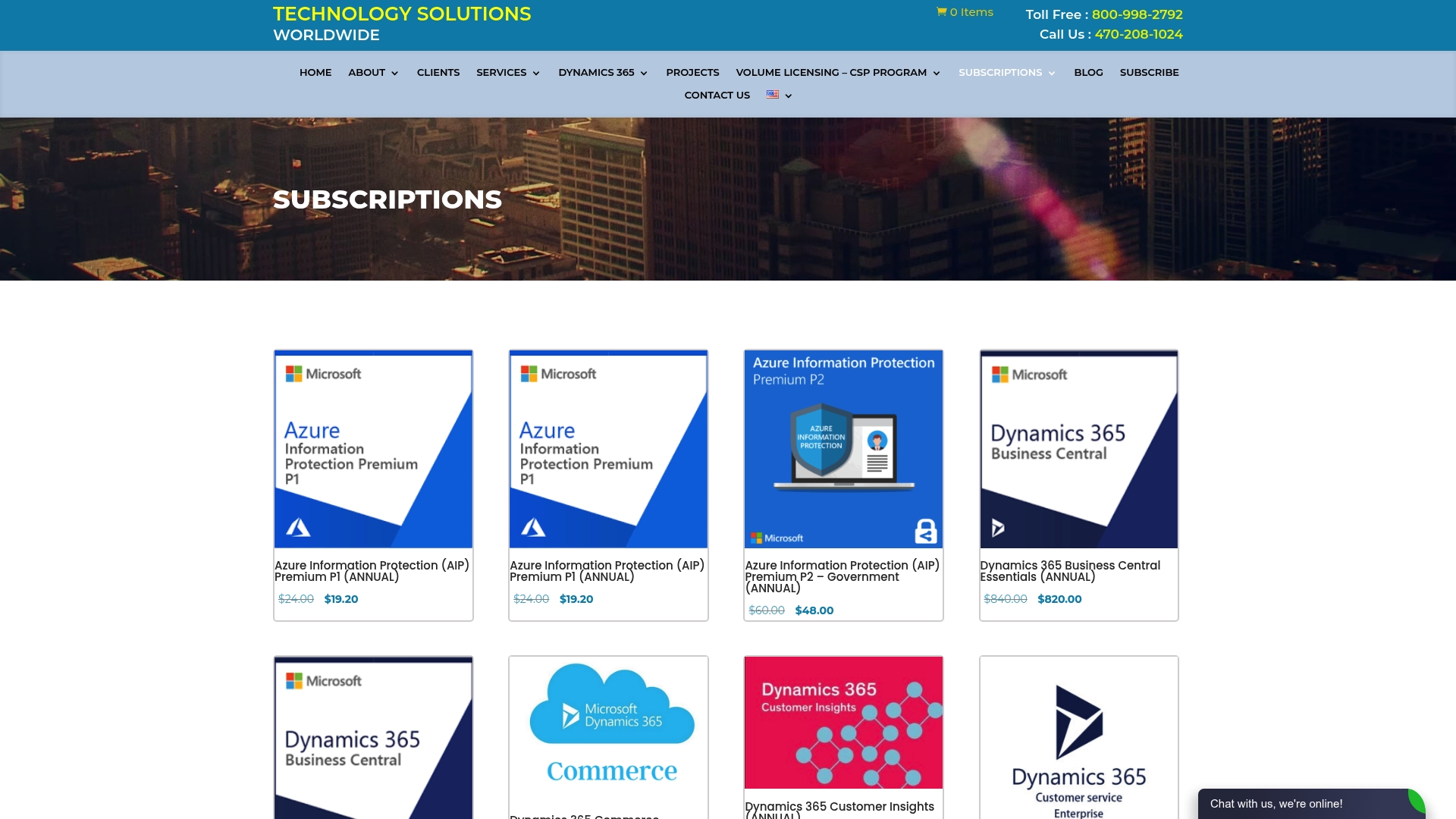
In conclusion, for IT managers managing volume license deployment across large organizations, Technology Solutions Worldwide provides direct access to Microsoft licensing expertise, audit preparation support, and subscription discounts of 20–30% off standard pricing. Subsequently, the team handles entitlement mapping, tier right-sizing, and renewal negotiation as part of a structured engagement. Contact Technology Solutions Worldwide through the Microsoft licensing support page to start a licensing review.
FAQ
What is enterprise license management?
Enterprise license management, formally known as Software Asset Management (SAM), is the practice of tracking, reconciling, and governing software licenses across an organization to control costs and maintain compliance.
How often should license reconciliation run?
Monthly reconciliation is the standard. Monthly cycles recover 2–3 times more unused licenses than annual reviews and surface dormant subscriptions within 30 days.
What triggers a license reclamation?
A reclamation trigger is typically 30 days of login inactivity for named-user licenses. For concurrent tools, automated harvesting fires after 15–30 minutes of idle session time.
How do I prepare for a Microsoft software audit?
Maintain a continuously updated evidence pack that includes purchase records, deployment reports, usage summaries, and entitlement reconciliation data. However, proactive audit readiness reduces remediation costs and improves your negotiation position.
What is the difference between right-sizing and reclamation?
Reclamation recovers licenses from inactive users. Therefore, right-sizing moves active users to a lower subscription tier when their feature usage does not justify the current plan. Both reduce software licensing expenses, but they target different types of waste.
Recommended
- Enterprise License Agreement Explained for Decision-Makers
- Microsoft Business License Renewal Process: 2026 Guide
- Types of Microsoft Business Licenses: 2026 SMB Guide
- Types of Microsoft Volume Licensing Programs: 2026 Guide
To get a guaranteed 2 Year Price Lock and 30-40% off all Microsoft licenses, CLICK HERE.